Here is a lifehack to wrap headphones and earphones quickly, without any twisting:
Also you can use "devices" like this:
Here is a lifehack to wrap headphones and earphones quickly, without any twisting:
Also you can use "devices" like this:
Absolutely amazing online service with hundreds templates of different hardware devices (phone, tablets, laptops, etc.) where you can upload own picture of the screen to get the perfect art for website, presentation or brand-book.
This picture is created using Place.To:

P.S. Why I didn't do such service few years ago? :)
I was spending about 15 minutes googling until I've found the electric pinout of Micro USB connector ver 3.0 (a doubled one)
Also I was not able to get an electric scheme of USB 3.0 that specifies color of each wire inside the cable.
So after some research I've made a paper note for myself. Also I didn't forget to take a photo and share it to everybody:
Hope this saves time for other people :)
I've created own Picture of the Day service.
It took about 3 hours at night while I was fighting the insomnia...
ISDEF spring 2010 is awesome! First day of conference was my birthday, so I've drunk lots of alcohol :)

Palmira-Palace hotel near Yalta city, in Crimea, is a nice place to make IT conference and relax in SPA or on a seaside in the same time.

I'm happy to meet all my friends from different places around the world!

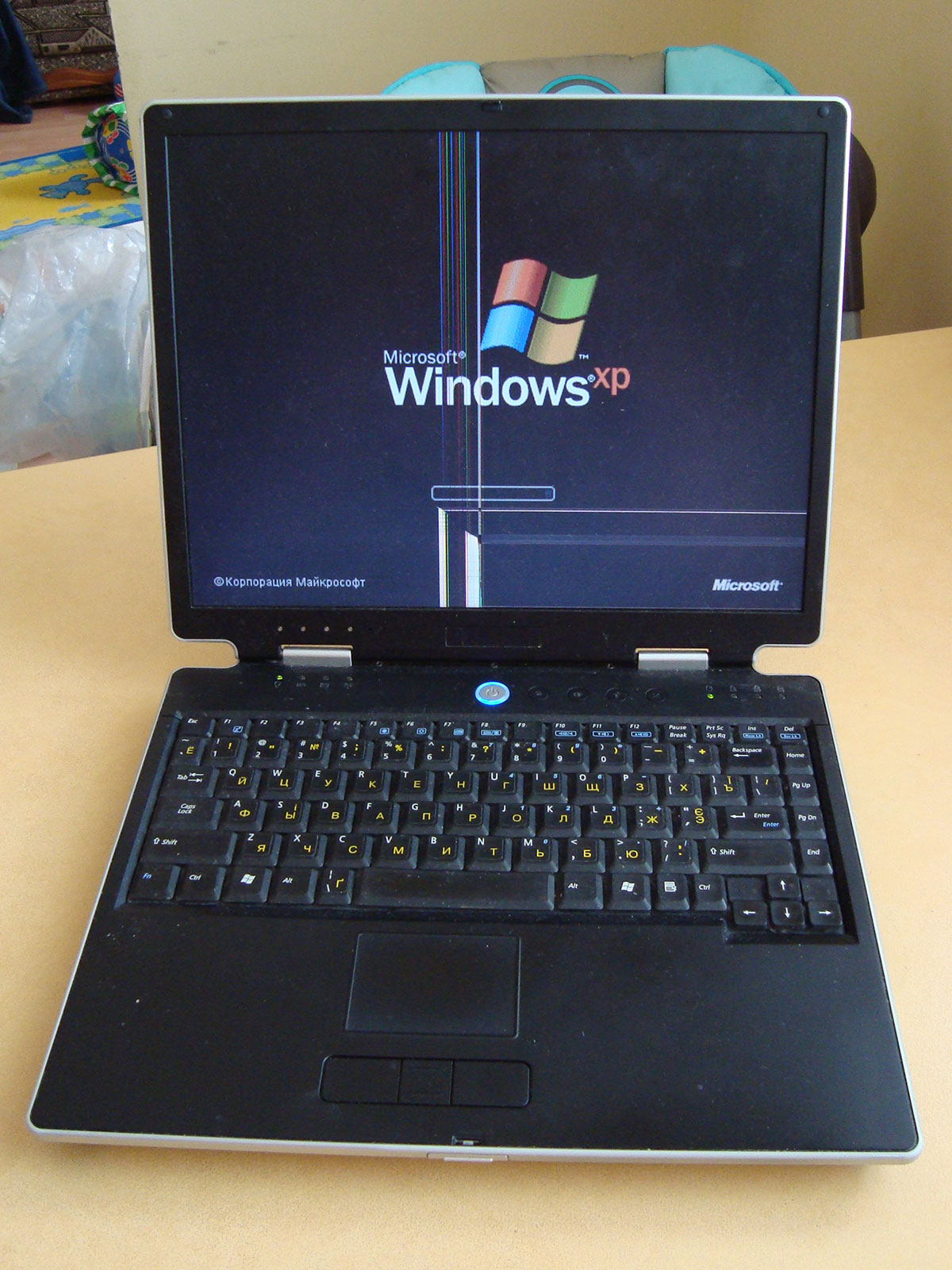
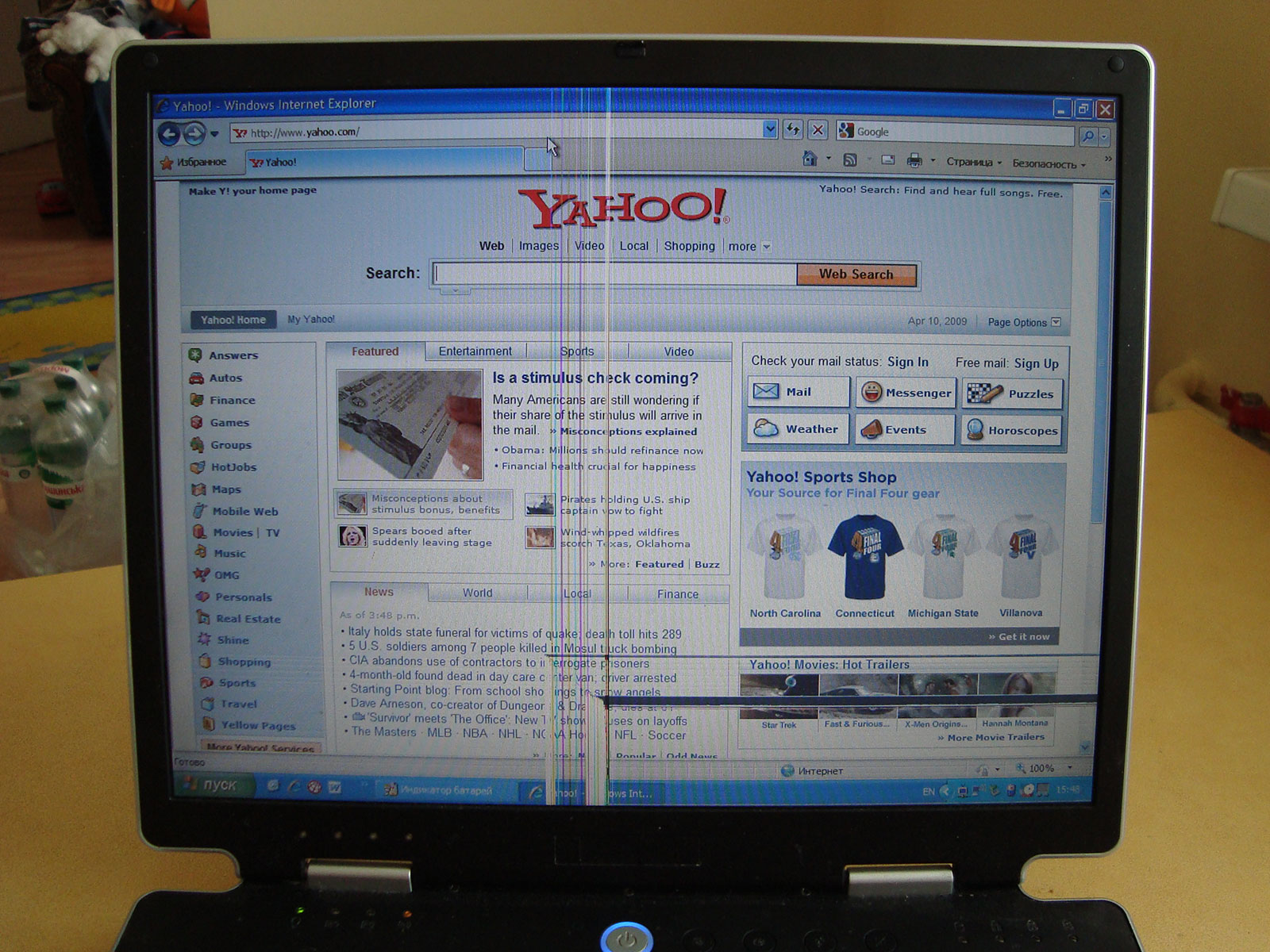
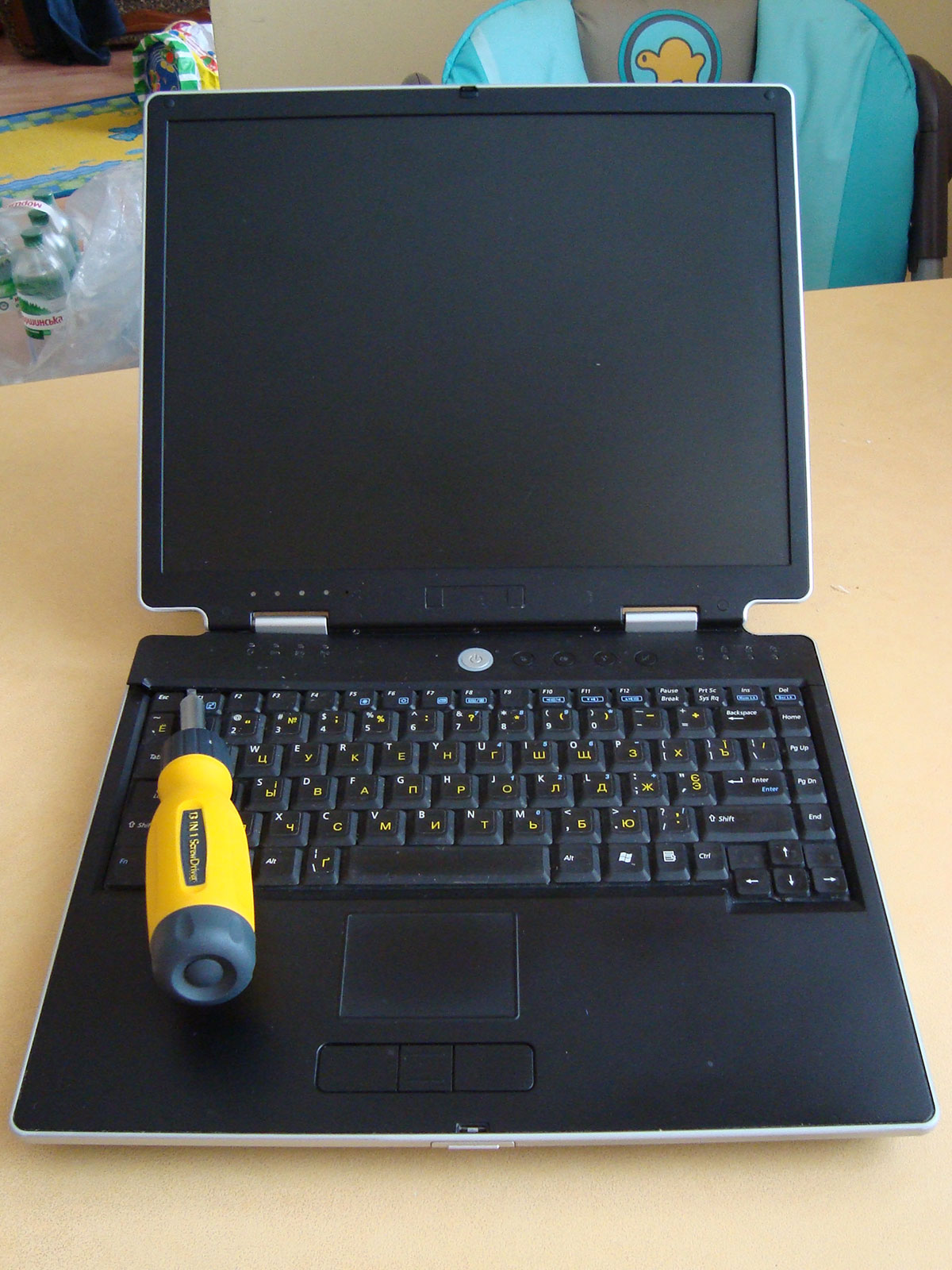
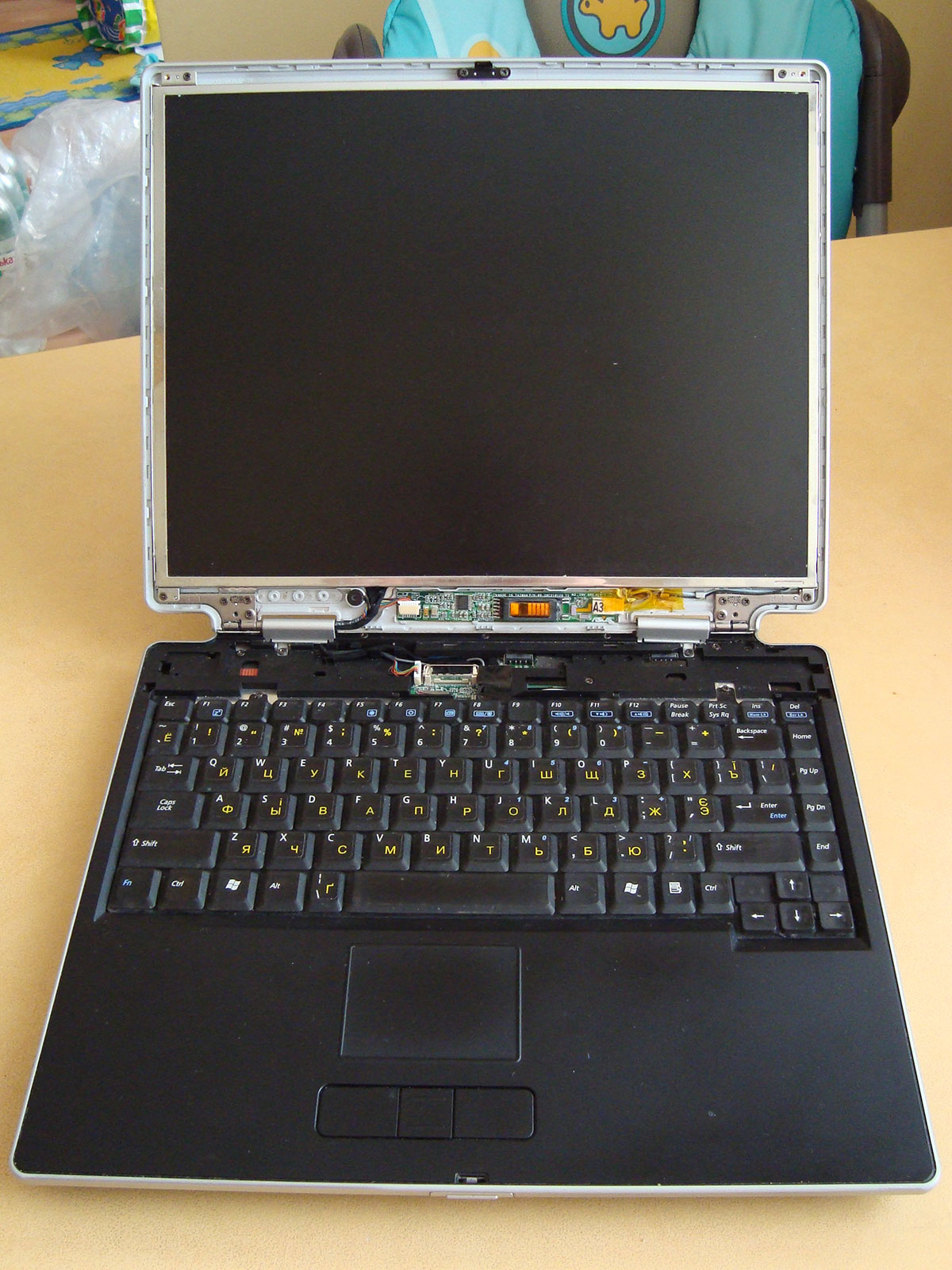
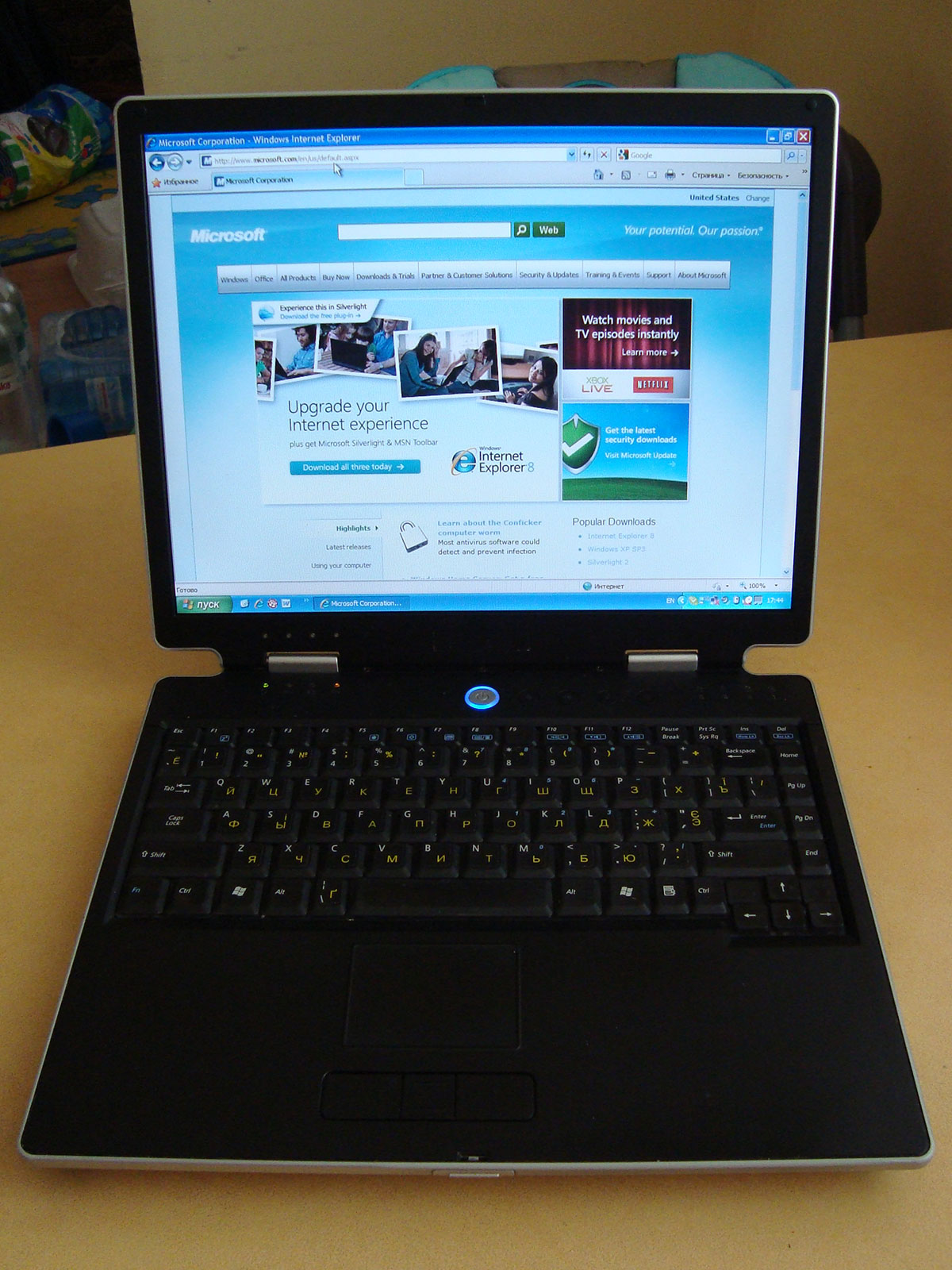
I've replaced LCD panel in ASUS M3000Np notebook. It wasn't too hard.
Broken screen in Oksana's notebook:
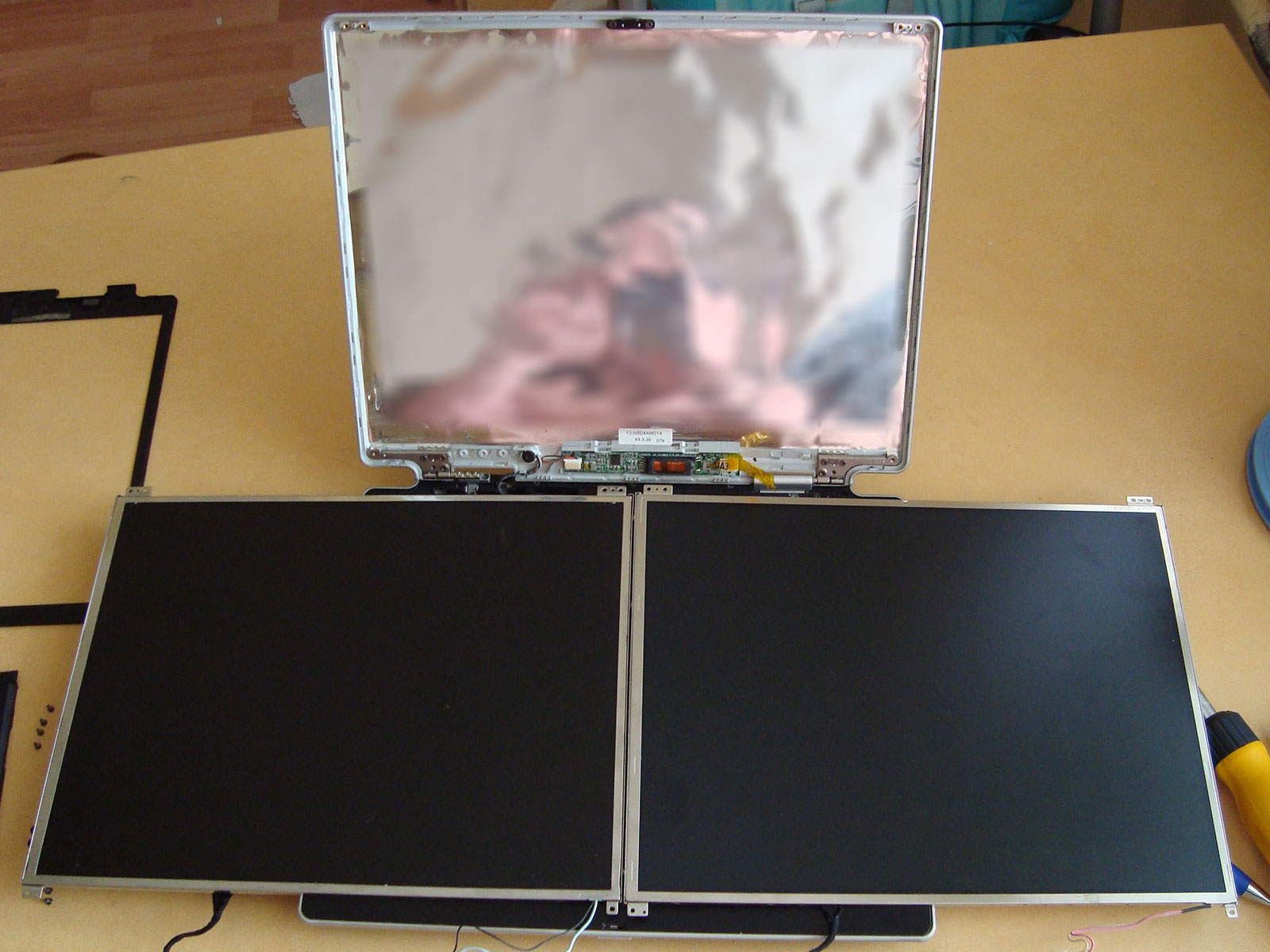
Well, lets try to fix this using the screen panel from another old notebook.
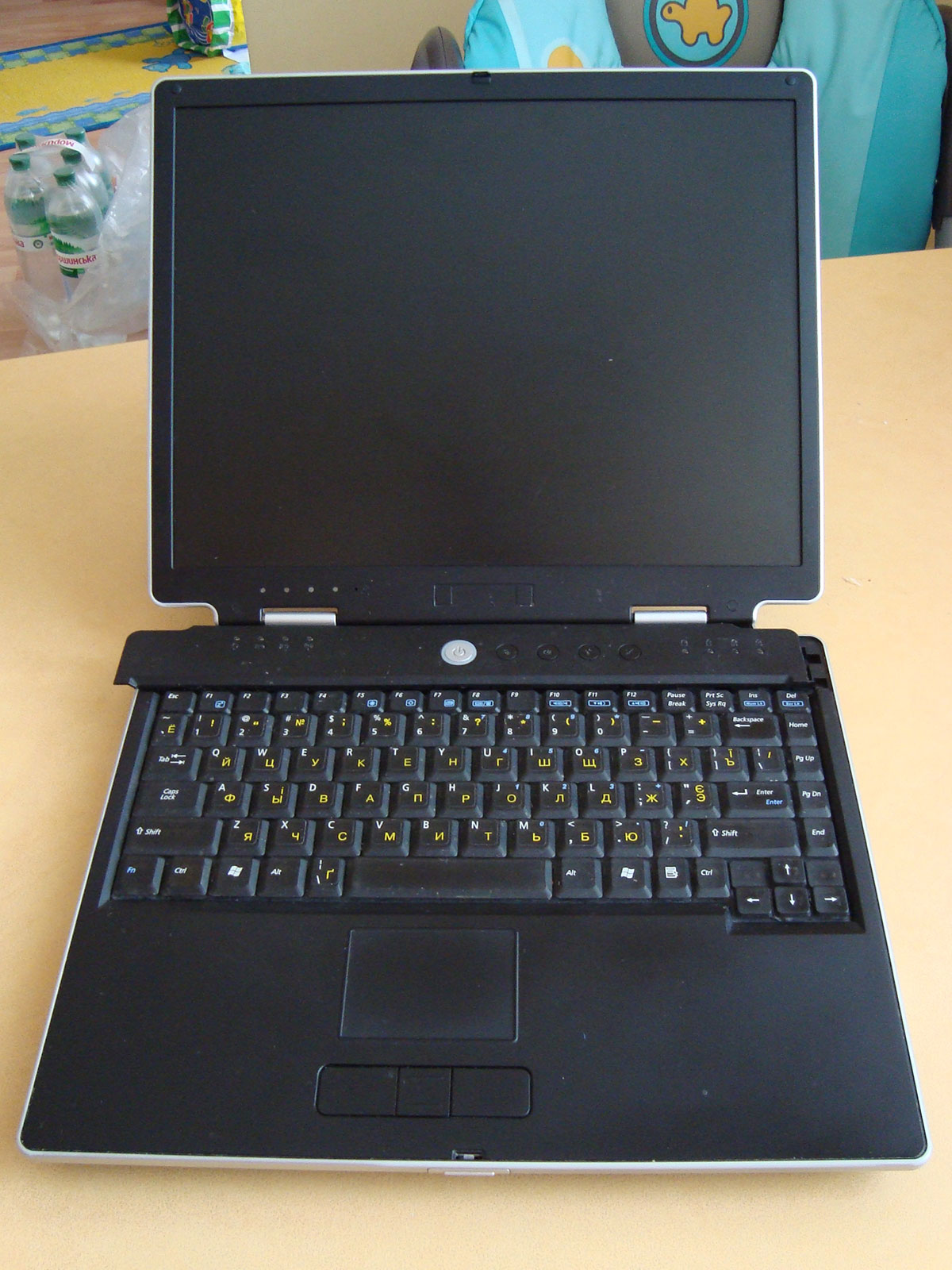
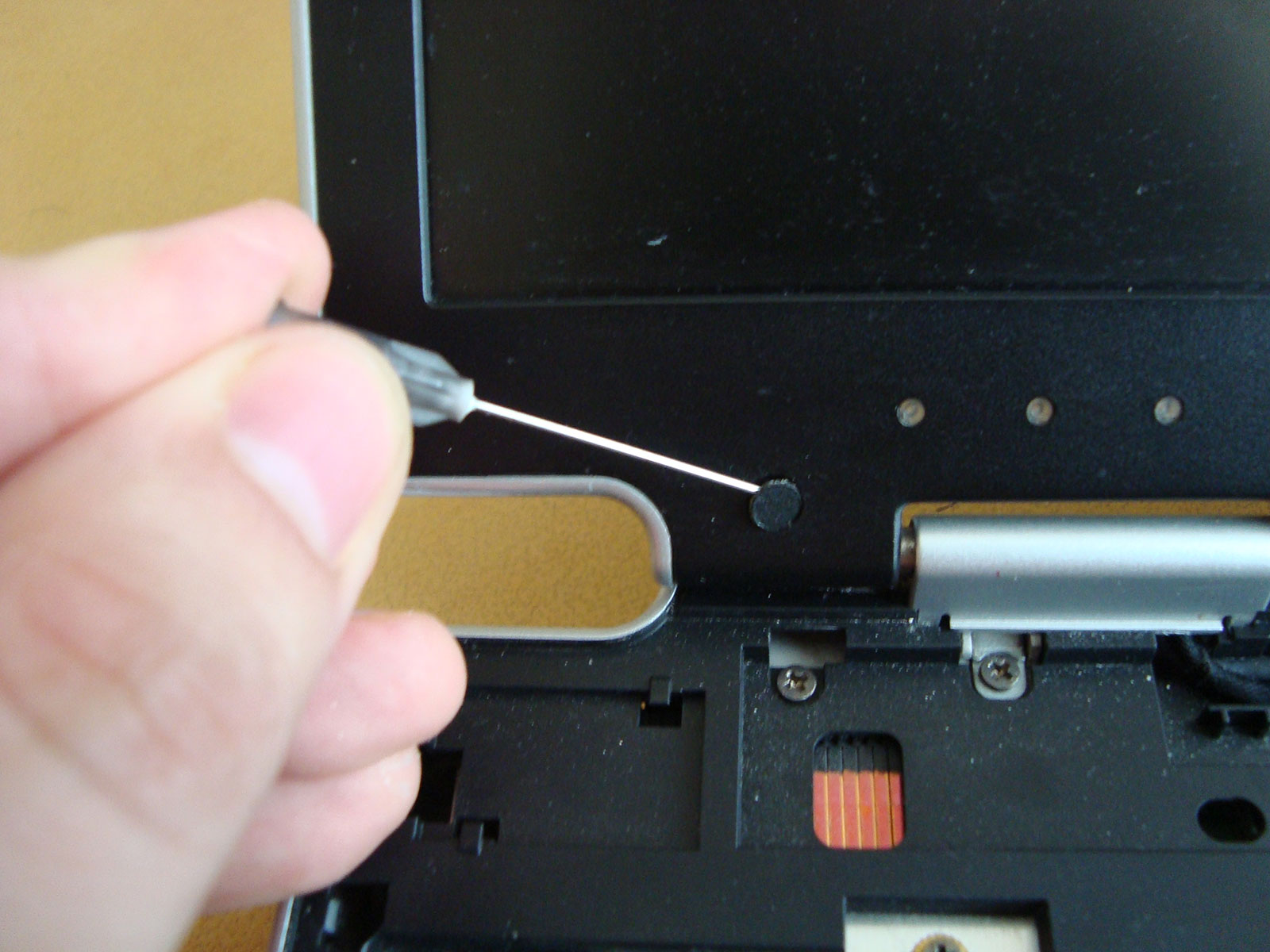
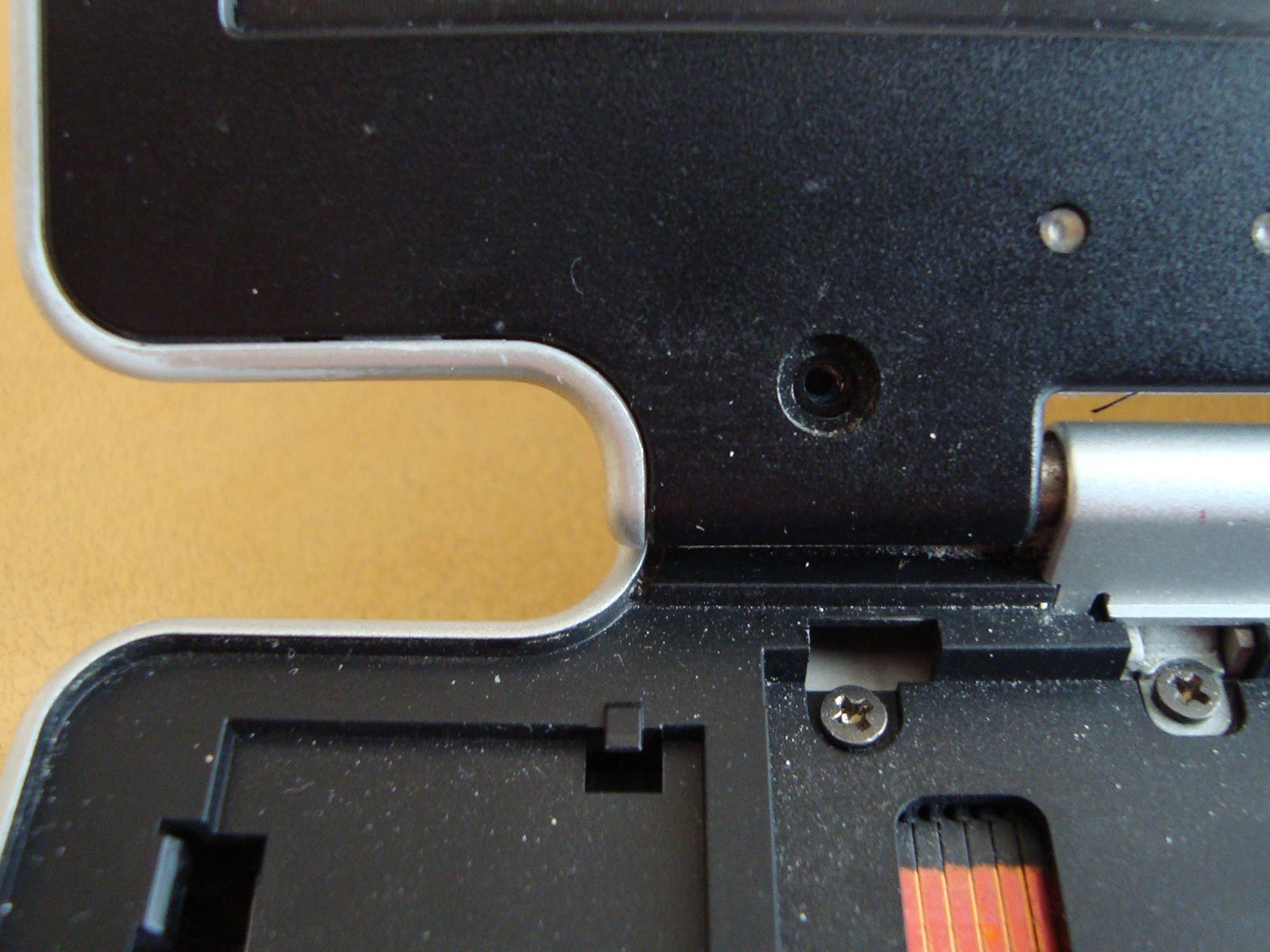
Disassembling of notebook case is a quest kind of game :)
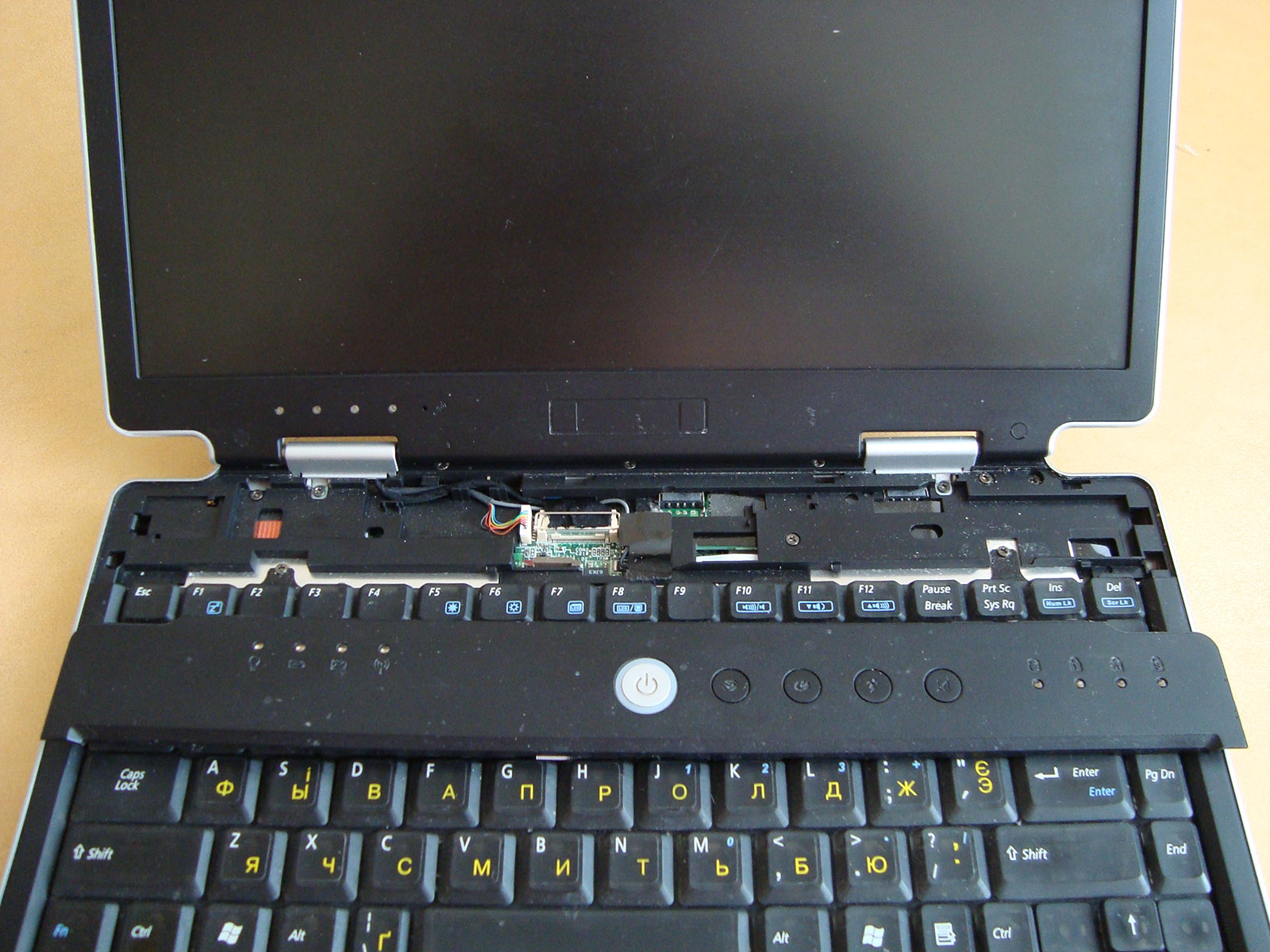
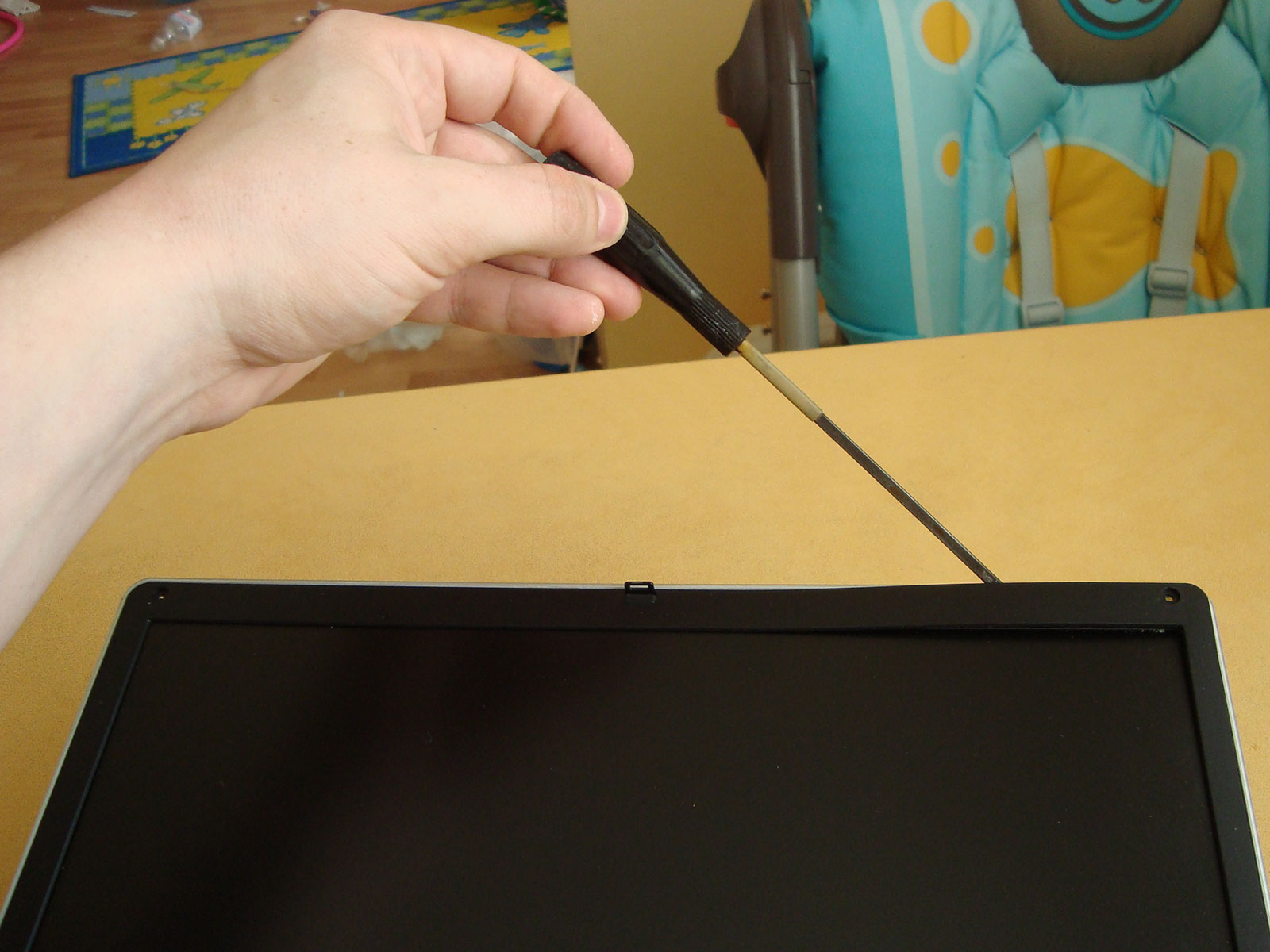
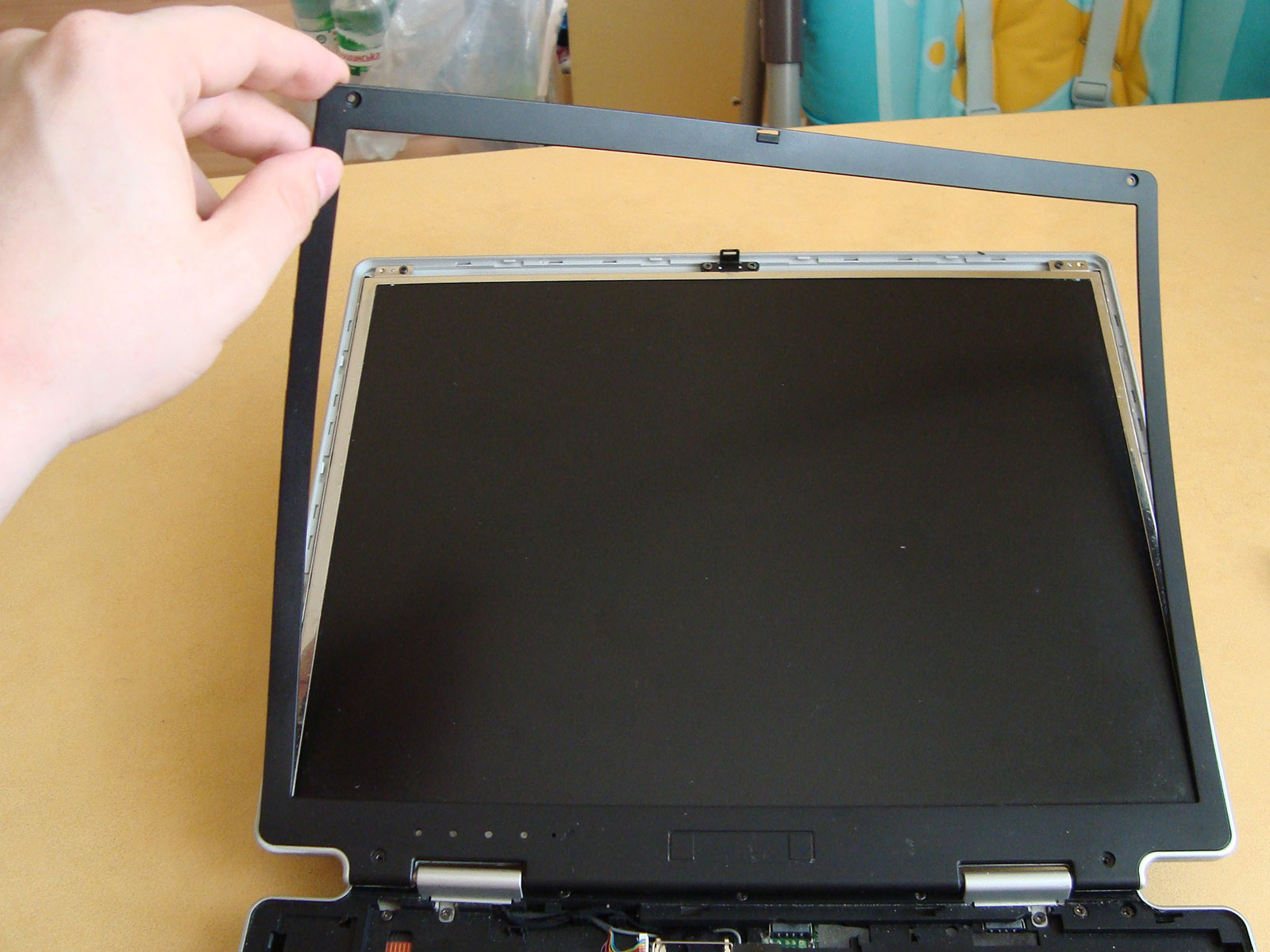
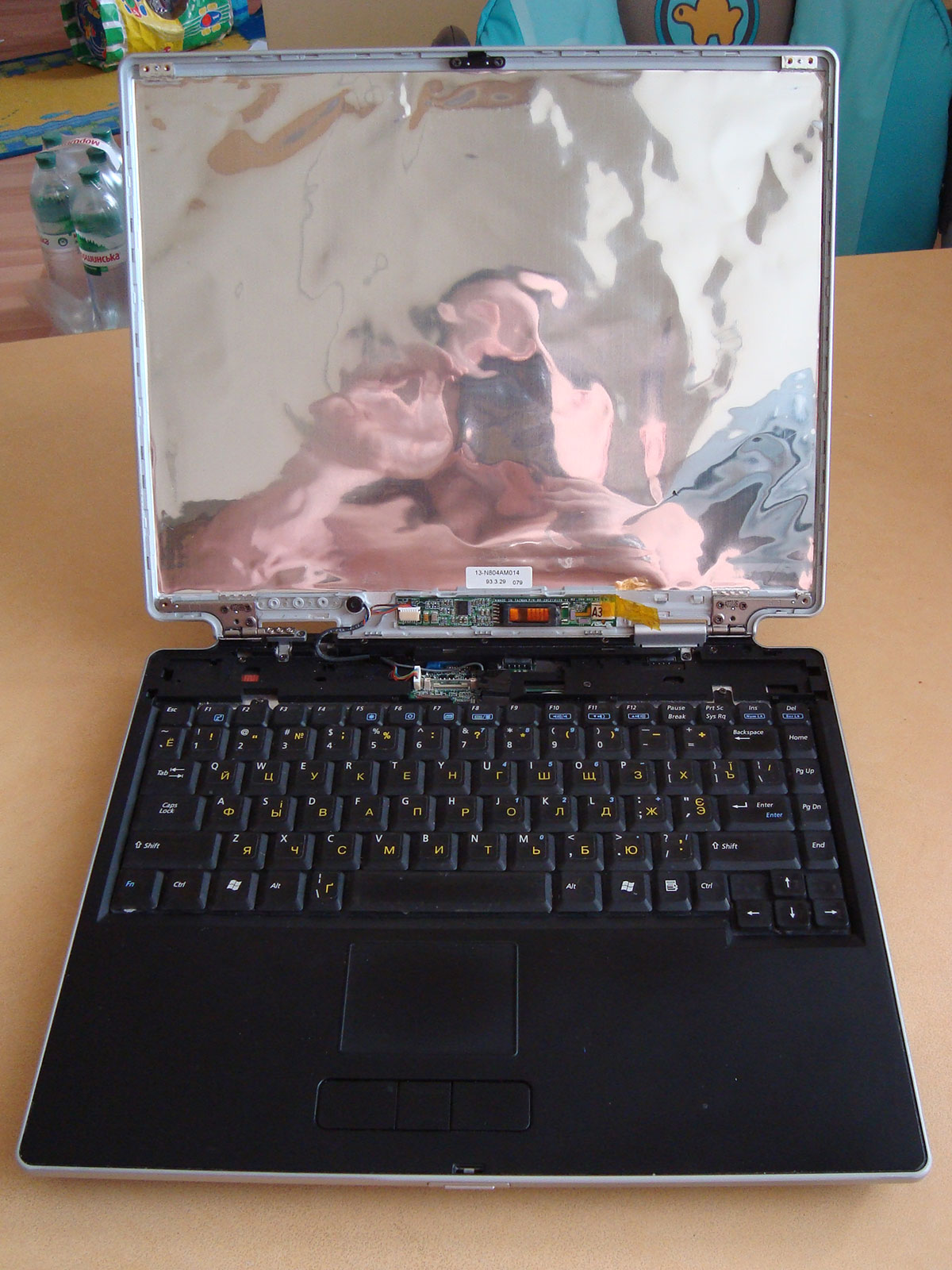
We need to remove plastic frame around the screen:
Screen frame is easy to remove now, but be careful! Use screwdriver to release latches.
We've got access to LCD panel. Remove 4 corner screws and take out old screen.
Take new screen panel and compare to the old one. They should absolutely match each other.
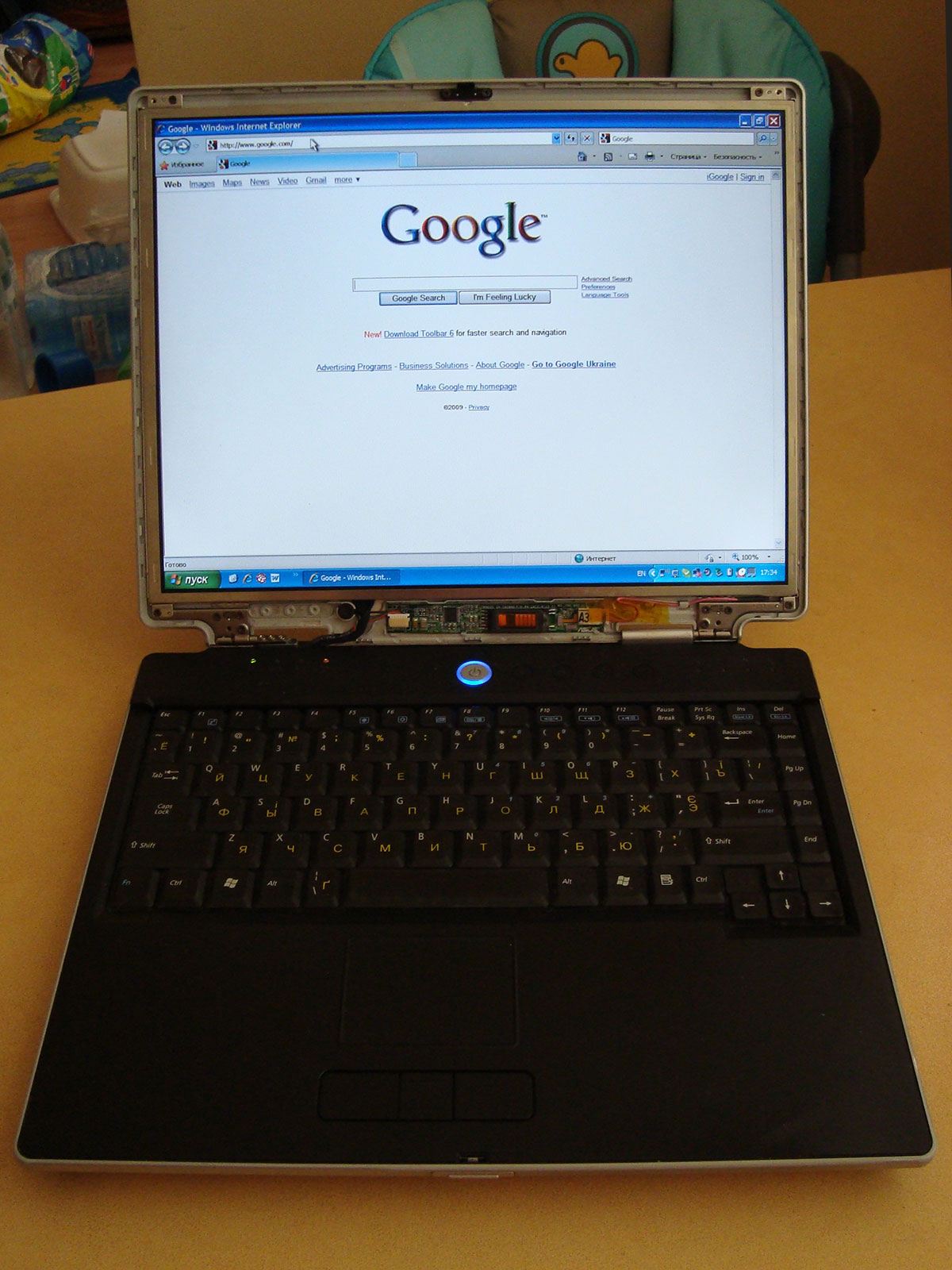
After replacing and plugging the screen panel, better turn the notebook on to verify does everything works fine :)
Seems just fine, so assemble the notebook.
Repairing is complete. Everybody's happy :)